

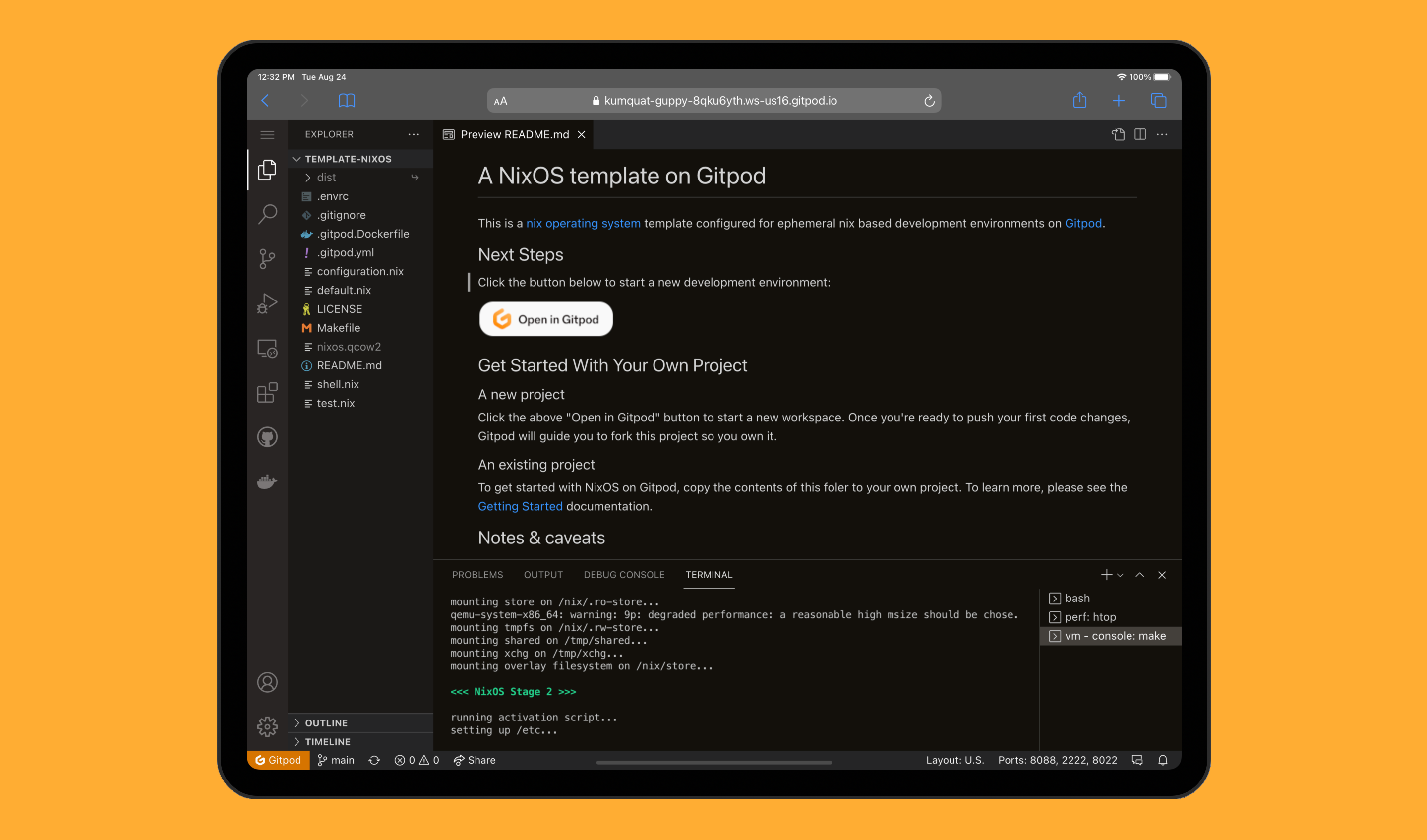
Gitpod is an online Integrated Development Environment (IDE) that allows developers to code directly in the cloud, with support for various programming languages and frameworks. If you’re a Laravel developer looking to speed up your workflow and access a hassle-free, cloud-based development environment, Gitpod is a great solution. In this article, we’ll walk you through the steps to set up a Laravel project on Gitpod, taking advantage of Gitpod’s powerful features like pre-configured environments, GitHub integration, and seamless collaboration.
What is Gitpod?
Gitpod is a cloud-based IDE that runs in your browser. It automates the setup of your development environment, so you can jump straight into coding. With Gitpod, you can easily integrate with GitHub repositories, start coding immediately, and even collaborate in real time with team members.
Gitpod provides a preconfigured environment for many languages and frameworks, including Laravel. Laravel, a popular PHP framework, is known for its elegant syntax and powerful features, making it an ideal choice for building modern web applications. By using Gitpod, you can focus on coding without worrying about the local setup or dependencies.
Prerequisites
Before we dive into setting up Laravel on Gitpod, make sure you have the following:
- A GitHub Account – Since Gitpod integrates directly with GitHub repositories, you’ll need a GitHub account to access your code.
- Gitpod Account – Sign up for a Gitpod account at https://www.gitpod.io/.
Step-by-Step Guide to Setting Up Laravel on Gitpod
1. Create a New Laravel Project on Gitpod
To get started with Laravel on Gitpod, first, create a GitHub repository for your new project or use an existing one. If you’re starting fresh, follow these steps:
- Go to your GitHub account and create a new repository.
- Open the Gitpod interface by typing
gitpod.io/#followed by your repository URL. For example, if your repository ishttps://github.com/username/laravel-app, go to:
gitpod.io/#https://github.com/username/laravel-appGitpod will automatically create a new workspace and clone your repository.
2. Set Up the Laravel Environment in Gitpod
Once the workspace is set up, Gitpod will open in your browser. Now, it’s time to set up the Laravel project environment.
- Install PHP, Composer, and Laravel Dependencies Laravel requires PHP and Composer (a dependency manager for PHP). Gitpod workspaces come preconfigured with a variety of programming environments, including PHP. However, you’ll need to install Composer and Laravel. Run the following commands in the terminal:
- Install Composer (if not pre-installed):
curl -sS https://getcomposer.org/installer | phpThis will install Composer globally. - Install Laravel via Composer:
bash composer global require laravel/installer
- Set Up Laravel Project If you are starting with a fresh Laravel installation, you can create a new Laravel project in your Gitpod workspace:
   laravel new my-laravel-app
   cd my-laravel-app
Alternatively, if you’re working with an existing Laravel project, clone the repository:
   git clone https://github.com/username/your-laravel-repo.git
cd your-laravel-repo- Install Laravel Dependencies If you’ve cloned an existing project, you’ll need to install the necessary dependencies:
composer install- Set Up Environment Variables Laravel requires configuration through environment variables, which are stored in the
.envfile. Gitpod automatically creates a.gitpod.ymlfile to set up the workspace environment, but you’ll need to configure database and application settings.
- Open
.envand configure the environment settings, such as the database, app URL, and more:APP_NAME=Laravel APP_ENV=local APP_KEY=base64:randomgeneratedkey DB_CONNECTION=mysql DB_HOST=localhost DB_PORT=3306 DB_DATABASE=laravel DB_USERNAME=root DB_PASSWORD=rootYou can generate a new app key by running:
php artisan key:generate3. Run the Laravel Development Server
With the dependencies installed and your environment configured, it’s time to run your Laravel application. Gitpod has a built-in terminal and a “Ports” view that shows which services are running in your workspace.
Advanced Freelance Laravel php web Developer
- Start the Laravel development server:
php artisan serve --host=0.0.0.0 --port=3000- Once the server is up and running, navigate to Gitpod’s “Ports” tab (usually on the right side of your workspace) and click the button to expose port 3000. This will allow you to view your Laravel application directly in your browser. The link will look something like this:
https://3000-your-workspace-id.gitpod.io. Clicking the link will open your Laravel application in the browser.
4. Push Changes to GitHub
Gitpod makes it easy to commit and push changes to your GitHub repository. Once you’ve made changes to your Laravel project, you can push them with the following Git commands:
- Stage your changes:
git add .- Commit your changes:
git commit -m "Initial Laravel setup on Gitpod"- Push the changes to your repository:
git push origin main5. Collaborate in Real-Time
Gitpod allows real-time collaboration, so you can invite team members to join your workspace. They can see your changes instantly, edit files, or run commands directly in the shared workspace.
To invite someone to your workspace:
- Click the “Share” button in the top right of your Gitpod workspace.
- Share the link with your collaborators.
6. Automating the Laravel Setup with Gitpod Configuration
To make the setup even smoother, you can automate environment setup by adding a .gitpod.yml configuration file to your repository. Here’s an example:
tasks:
  - init: composer install
  - command: php artisan serve --host=0.0.0.0 --port=3000
ports:
  - port: 3000
    onOpen: open-preview
This file will run the necessary commands each time a new workspace is created, automating your development environment setup.
Conclusion
Gitpod is a powerful tool for cloud-based Laravel development. By setting up your project in Gitpod, you can speed up the development process, collaborate seamlessly with team members, and focus on writing code instead of configuring your local development environment. Whether you’re building a new Laravel application or contributing to an existing one, Gitpod offers a smooth and efficient workflow.
With Gitpod’s pre-configured environments, you can quickly launch Laravel projects with minimal setup and easily manage dependencies, making it an excellent choice for developers who want to streamline their development process in the cloud.